

How to Move from Manual Accounting to Accounting Software (Step-by-Step Guide for Businesses)
Accounting is the process of recording and managing a company's financial transactions. Traditionally, businesses maintained handwritten ledgers and books of accounts where every entry had to be recorded manually. If a transaction affected multiple accounts, separate entries were made in each book. This made the process slow and increased the risk of errors. Even a small mistake could create imbalances, and auditing those records would take a lot of time.
That’s why many businesses are shifting from manual accounting to accounting software. In a computerised accounting system you enter the transaction once, and the software automatically updates all related accounts, calculates taxes and generates reports. This makes accounting faster, more accurate, and much easier to manage.
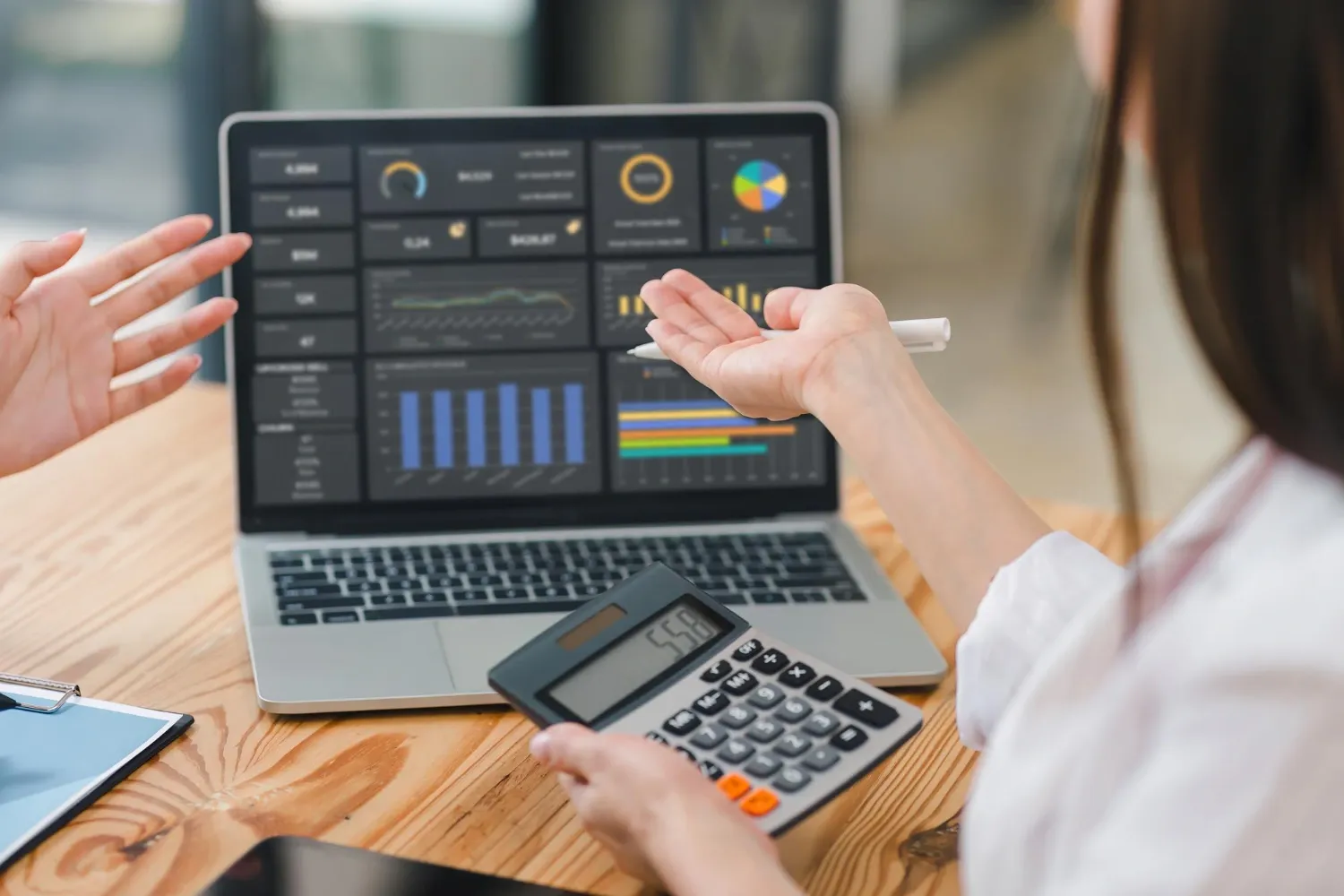
What is Manual Accounting?
Manual accounting is the traditional way of handling business finance using paper ledgers or simple Excel sheets. Every sale, purchase, and expense has to be entered manually, which takes time and attention. Even when businesses use Excel for calculations, they still need to match the records with bank statements and cash entries one by one.
Because everything has to be done manually, there are chances of human errors. The reports are prepared separately, and hence the business owners may not get the actual updates regarding their financial status. This can cause stress while preparing tax returns and can also cause delays in decision-making.
Switch to Computerized Accounting Today
Talk to an Expert Today
What is Computerized Accounting?
Accounting software has completely changed the way businesses manage their finances. Instead of maintaining paper records, financial information is stored digitally in a secure database that users can access through a user-friendly interface. Many accounting tools offer separate modules for functions like inventory management or payroll. Integrated software such as TallyPrime combines all financial modules into one system, allowing businesses to manage everything from billing to reporting in a single place.
Computerized accounting systems are more accurate than manual accounting systems since they are less prone to calculation errors and repetitive errors in ledger postings. Also, computerized accounting systems provide instant reports with accurate and updated information, which enables the business owner to make decisions faster.
Step-by-Step Process to Transition From Manual Accounting to Computerized Accounting
When changing systems, it can be confusing, but if you have a proper plan, it becomes a smooth and stress-free process. Here, we have mentioned them in a list form for you:
1. Evaluate your existing accounting process Begin with a proper understanding of how you are currently managing your financial bookkeeping process. Assess how you are managing sales, purchases, expenses, salaries, and tax information. This will help you understand where there are loopholes and inefficiencies in the process.
2. Select the right software You should look for accounting software that has GST compliance, inventory management, real-time reporting, and data protection. The right system should support automation, reduce compliance risks, and match your business size.
3. Plan data migration Before you make the transition, organise your past data. Make customer lists, supplier statements, opening stock, and outstanding invoices. This will help you avoid errors in the future.
4. Set up the system properly Set up the company information, tax options chart of accounts, and user access. This will help you have smooth accounting automation and improved financial reporting.
5. Train your team Give basic training so that your employees know how to make invoices, record expenses, and generate reports. This will give them confidence and minimise errors.
6. Monitor & improve After the implementation, monitor reports on a regular basis and make changes if required. Once you switch from manual accounting to accounting software, you will realise the benefits of faster reporting, improved accuracy, and improved financial management.
Difference Between Manual Accounting & Computerized Accounting
The difference between manual and computerised accounting systems enables business owners to make more informed decisions regarding their financial management.
1. Recording transactions In manual accounting every transaction is written in physical books or entered into spreadsheets. The bookkeeping process depends fully on human effort. If the same entry affects multiple accounts, it must be recorded each time separately. In computerised accounting, you enter the transaction once. The system automatically updates all related ledgers, financial statements, and reports.
2. Accuracy & errors Manual accounting systems are prone to errors. A small error in typing can upset the whole balance sheet. Computerized accounting systems minimize errors. Calculations such as tax, totals, and balances are automatically calculated, making financial record management more accurate.
3. Speed & efficiency Manual accounting is time-consuming. Preparing profit & loss reports or reconciling bank statements can take hours. With a computerised accounting system, reports are generated instantly. This reduces operational inefficiency and saves valuable business time.
4. Financial insights Manual accounting systems provide delayed financial information. Business owners can only view the results only at the end of the month. Computerised accounting systems provide real-time financial information. You can view cash flow, receivables, payables, and expenses at any time.
5. Compliance & Tax filing Manual accounting increases compliance risks, especially during audits and tax filing seasons. Modern system supports accounting automation for business, ensuring proper tax calculations, structured records, and easier audit preparation.
Key Benefits of a Computerised Accounting System
Running a business without structured financial tracking can slow growth. A computerised accounting system changes that completely. It brings order, speed, and clarity to your daily financial operations.
1. Real-time financial visibility With digital accounting, every transaction updates automatically. You can instantly check your profit & loss statement, cash flows, receivables, and payables. This improves financial record management and helps you make faster decisions.
2. Reduced human errors There are errors in manual calculations. Automated systems carry out calculations for totals, taxes, and balances accurately. This enhances your bookkeeping system and prevents costly corrections.
3. Improved compliance & tax management With a computerised accounting system, GST calculations are done automatically, and tax liability statements are generated. This means less stress during tax audits and that your financial statements are always organised.
4. Enhanced operational efficiency An accounting system is capable of automating tasks such as reconciliations, recurring statements, and payment reminders. This will help businesses save time and increase productivity.
5. Secure & organized data Digital solutions provide secure data storage with backup facilities and access controls. Data is not disorganised as in paper files or scattered throughout Excel files.
6. Easy customisation and proper setup A well-planned accounting software setup ensures that your chart of accounts, tax structure, and reporting format match your business needs. When implemented correctly, the system works seamlessly from day one.
Final Thought
Adopting a computerised accounting system helps businesses improve accuracy, save time, and gain real-time financial insights. It can minimise risks of compliance, simplify tax treatment, and remove inefficiencies in the bookkeeping process. With the right implementation of accounting software, managing financial records becomes hassle-free.
Wabcom offers expert advice, smooth implementation, and assistance to ensure a safe and successful transition.
Book a quick consultation
WhatsApp us